


All products that are compatible with Snapmaker 2.0.
-

Snapmaker 1064nm Infrared Laser Module
From€289,00€499,00 -
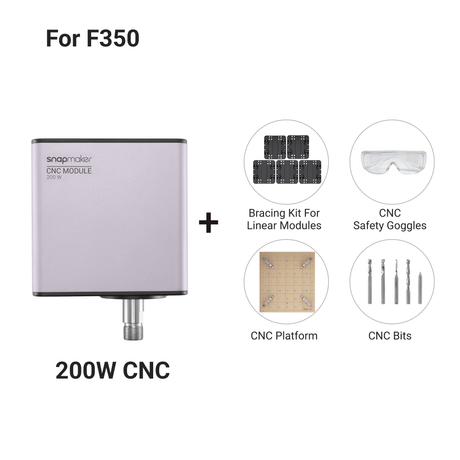
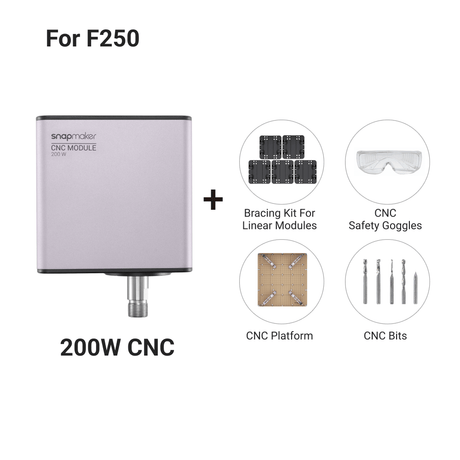
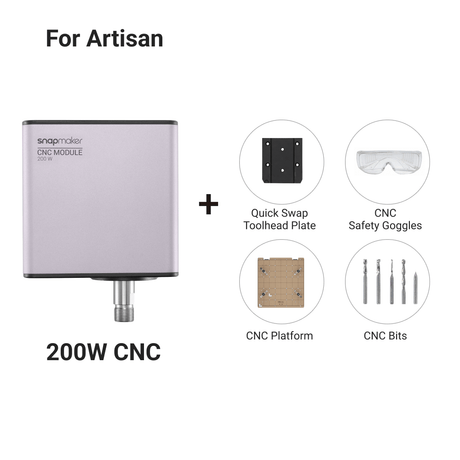
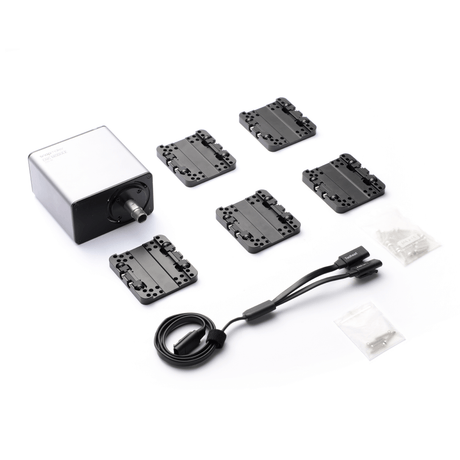
Snapmaker 200W CNC Module Bundle
From€199,00€329,00 -

Snapmaker 40W Laser Module with Air Assist
From€709,00€1.069,00 -
From€169,00
-

Snapmaker 2.0 Dual Extrusion 3D Printing Module
From€419,00€699,00 -
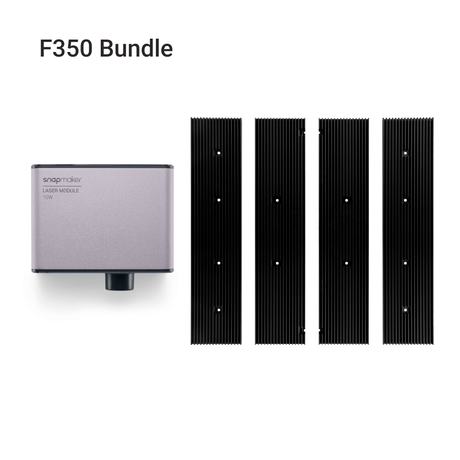
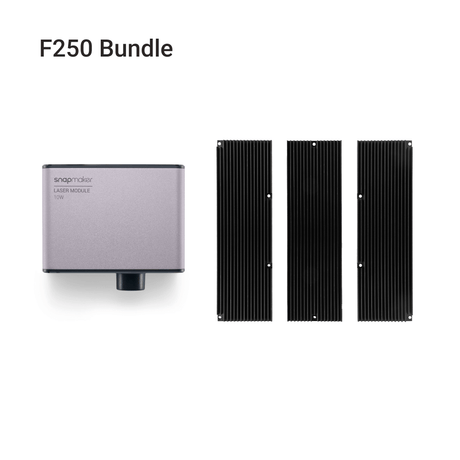
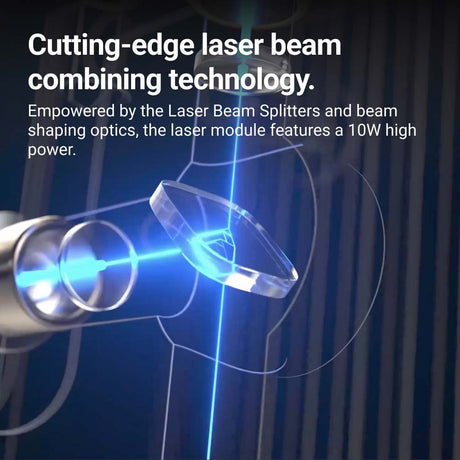
Snapmaker 10W High Power Laser Module
From€199,00€519,00 -
From€339,00
€559,00 -
Snapmaker Rotary Module (Harmonic Drive Version)
From€349,00€639,00 -
€479,00
€559,00Only 3 left in stock -
Snapmaker 2.0 3D Printing Module
€169,00 -
€69,00Only 3 left in stock
-
-
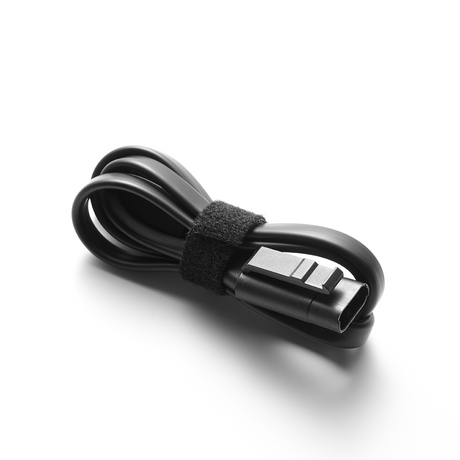
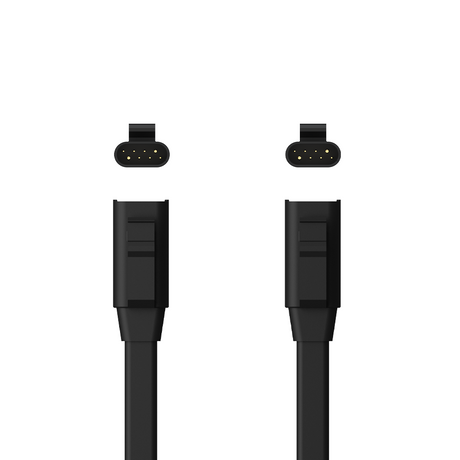
Toolhead Cable for Snapmaker 2.0
From€3,50€6,99 -
-
€19,99




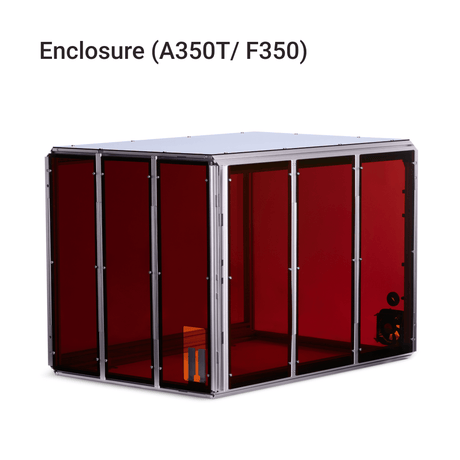
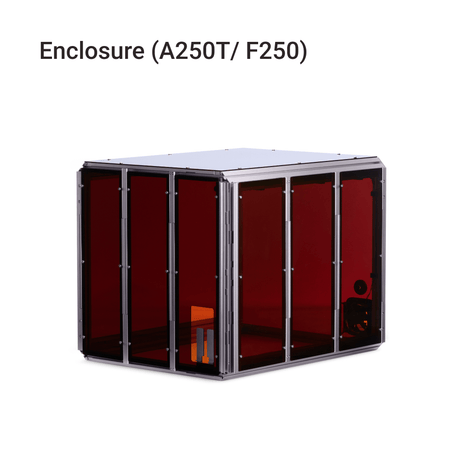
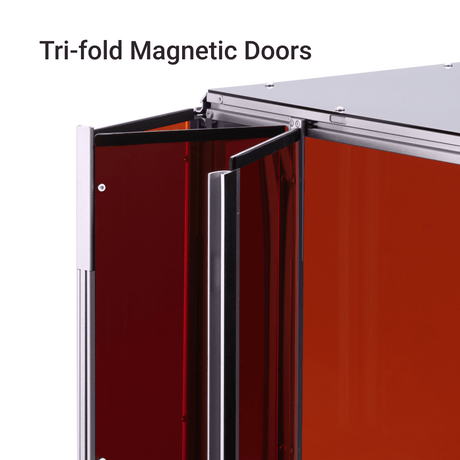


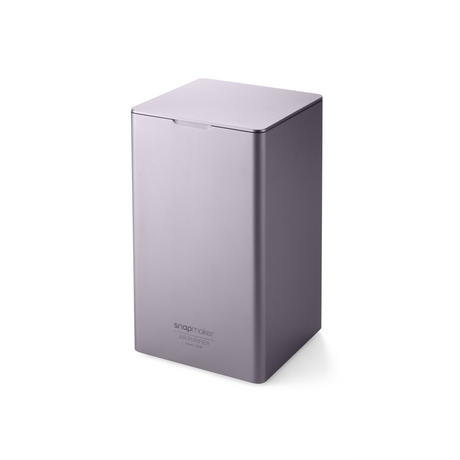
FAQs
1. Which Snapmaker 2.0 machines is this collection compatible with?
Snapmaker 2.0 collection is designed for compatible products across the Snapmaker 2.0 series, including F350, F250, A150, A250, A250T, A350, and A350T. Product compatibility may vary by item, please review the details on each product page before choosing a module, accessory, or part for your machine.
2. What products are available in the Snapmaker 2.0 collection?
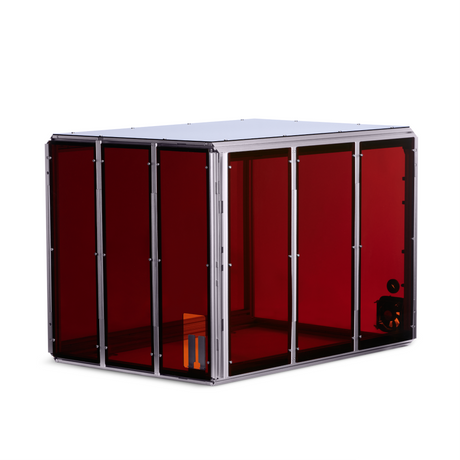
The Snapmaker 2.0 collection includes compatible modules, accessories, parts, enclosures, and materials for Snapmaker 2.0 series machines. Products are organized to support different workflows, configurations, and creative needs.
3. Are these products designed for 3D printing, laser engraving, and CNC carving?
Yes. Products in the Snapmaker 2.0 collection are designed to support key Snapmaker workflows, including 3D printing, laser engraving, and CNC carving. Compatibility and use may vary by item, please check the product details before purchase.
4. How do I choose the right product for my Snapmaker 2.0 machine?
Start by identifying your main use, whether it is 3D printing, laser engraving, or CNC carving. Then narrow your choice by product type and check compatibility with your machine configuration.
5. What should I check before buying a Snapmaker 2.0 module, accessory, or part?
Before buying a Snapmaker 2.0 module, accessory, or part, check your machine model, product compatibility, and intended use. Making sure the item fits your setup can help support smoother installation and more reliable everyday use.